![Blip-logo-red-solid.jpg]](https://help.blipbillboards.com/hs-fs/hubfs/Blip%20Logos/Blip-logo-red-solid.jpg?height=33&name=Blip-logo-red-solid.jpg)
Step 1: Select Campaigns from the side menu
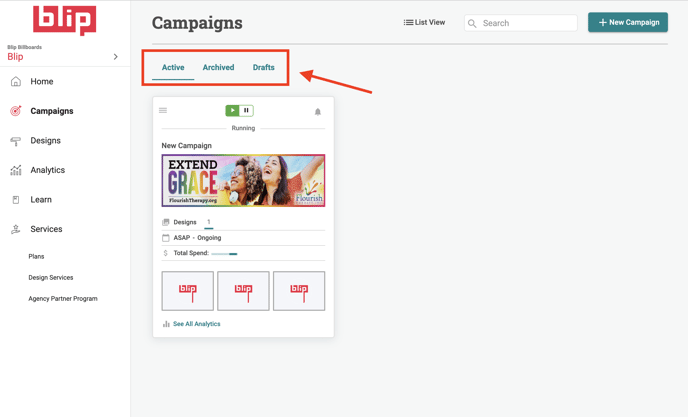
Check in the "Active" section for current campaigns. The "Drafts" section is for campaigns that have not yet been completed. The "Archived" section is for campaigns that have ended.
Step 2: Disable or enable your campaign
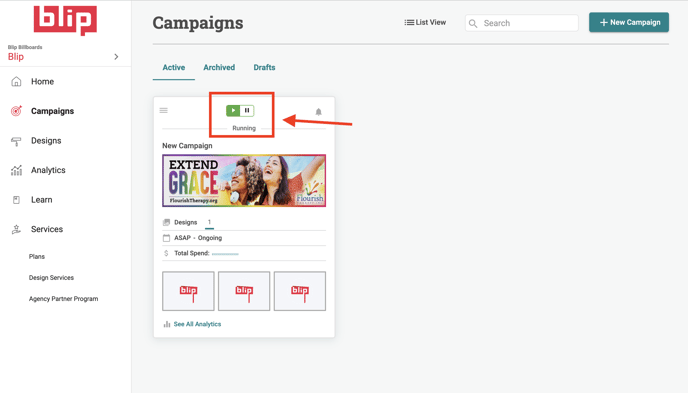
Click the "pause" and "play" icons on your campaign